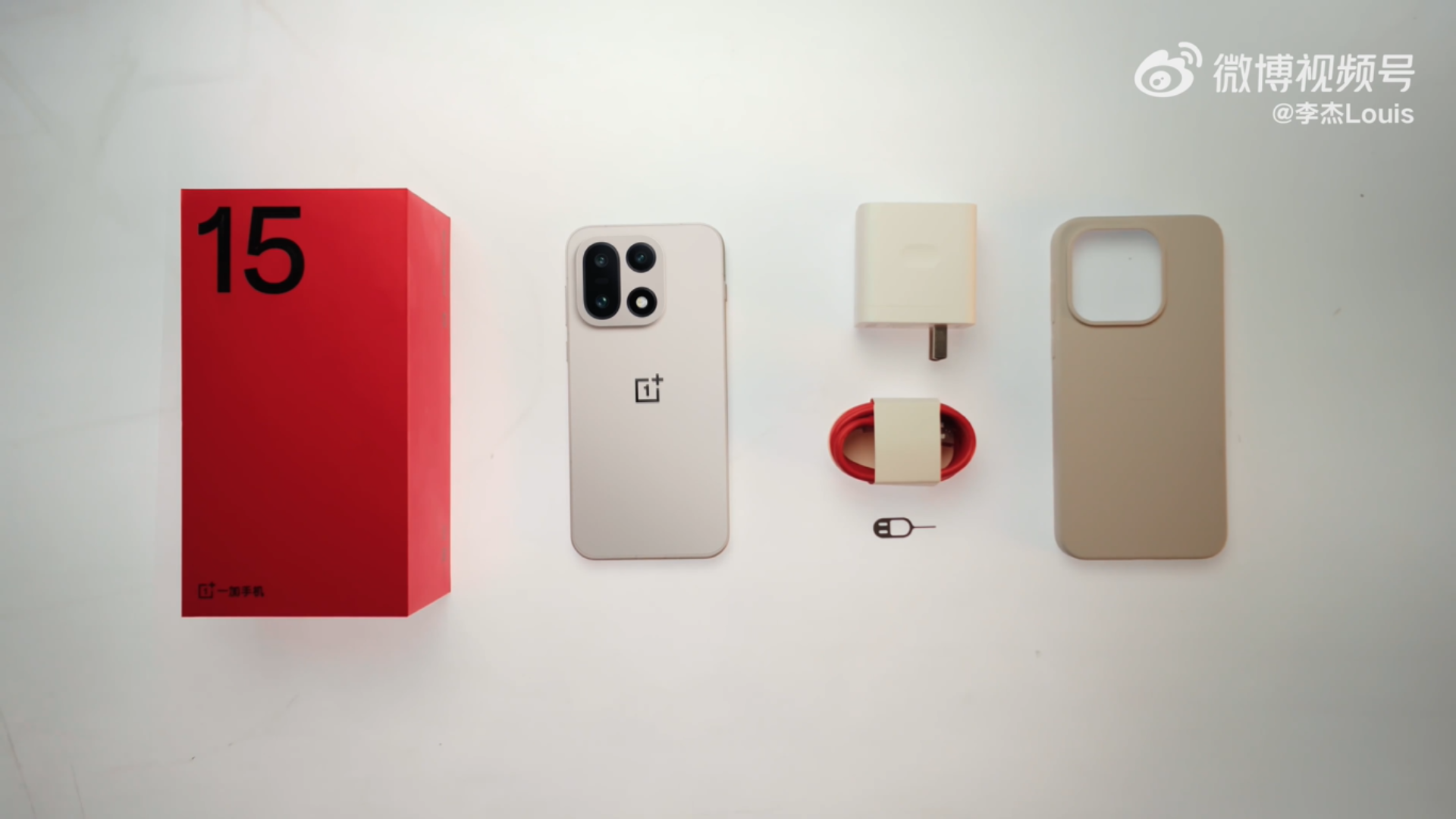
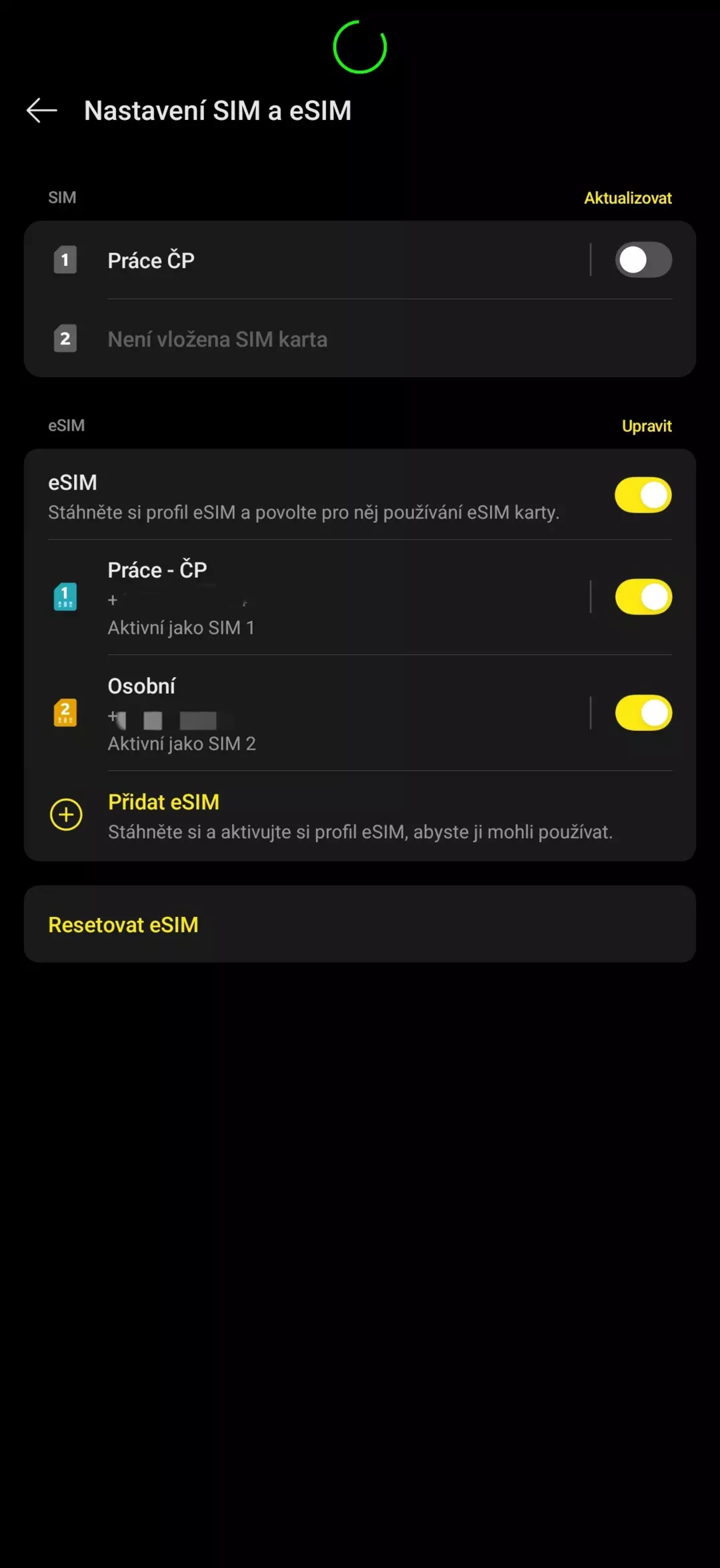
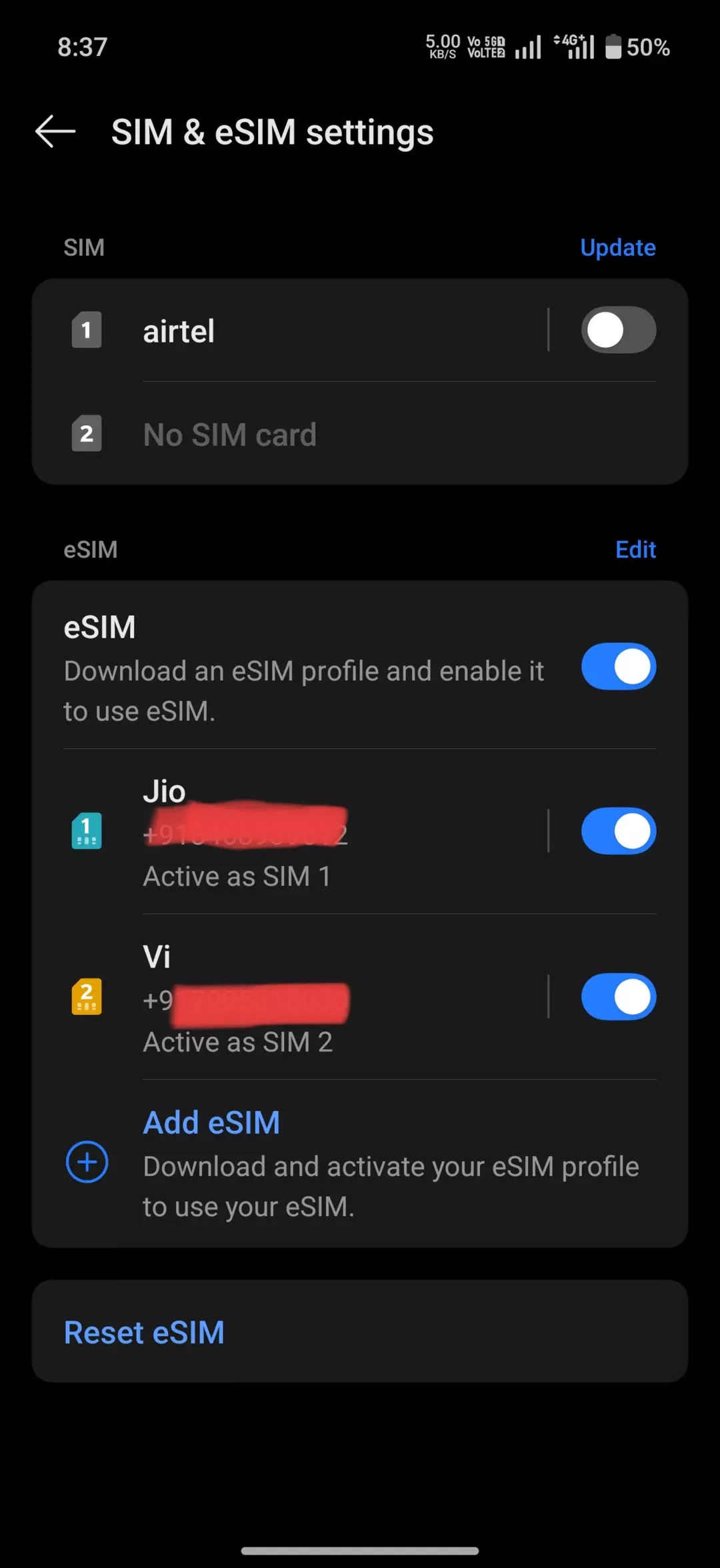
OnePlus is rolling out a new update for the OnePlus 15 in India. According to some users, in addition to some additional features, the update includes dual eSIM support.
The OxygenOS 16.0.9.400 update is being introduced to all OnePlus 15 models in batches. According to the brand, several regions in India are now in line for the update.
The update (CPH2745_16.0.9.400 – EX01) offers a handful of new features and changes, including new fingerprint animations, the Primrose and Bold B&W filters, a game sound effects equalizer, PC remote single-tap locking, and the July 2026 Android security patch.
Interestingly, although not listed in the current changelog, some users claim their OnePlus 15 units now show options for dual eSIM.
It is important to note that the update is incremental. Here is the complete changelog of the update:
Home screen & Lock screen
- A wider selection of custom fingerprint icons and animations is now available. You can find this feature in “Settings – Home screen, Lock screen & style – More – Fingerprint animation”.
- Improves transition animations when opening and switching apps in “Recent Tasks,” resulting in a faster, more fluid multitasking experience.
Camera & Photos
- Introduces the “Primrose” filter, delivering gentle, warm skin tones in portraits while naturally creating a nostalgic film-inspired look.
- Introduces the “Bold B&W” filter, crafted especially for documentary photography. Its dramatic interplay of light and shadow delivers a striking visual impression.
Games
- You can now use the equalizer to fine-tune game sound effects, crafting a unique sound profile and enjoying a truly personalized gaming audio experience. You can find this feature in “Game Assistant – Tools – Sound boost – Equalizer”.
- Improves the “Sound boost” feature to accommodate more games and deliver custom audio enhancements (such as amplifying footsteps, deepening environmental effects, or sharpening vocals) for even greater sound detail during gameplay.
Device Connect
- You can now lock your PC remotely with a single tap. After your phone connects to your PC remotely, you can unlock your PC directly from the phone without entering your PC’s password.
Security & privacy
- You can now add a backup face for device unlocking, so you can access your device even if you’re wearing glasses or makeup. You can find this feature in “Settings – Security & privacy – Device unlock – Face & fingerprint unlock – Face – Add backup face”.
- Integrates the July 2026 Android security patch to enhance system security.