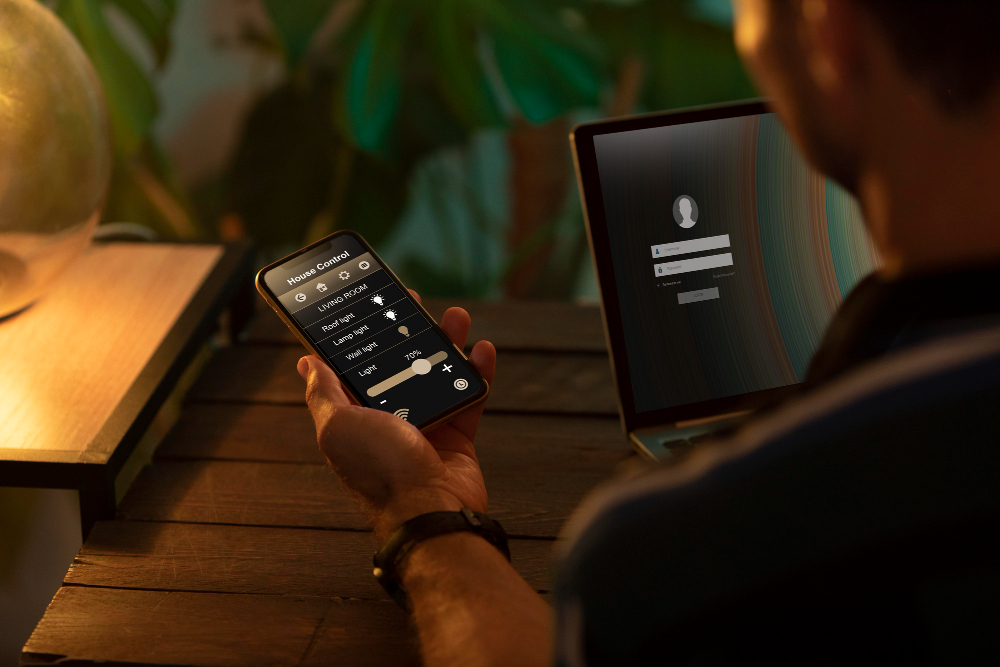
A creative idea does not always arrive when a workstation is nearby.
A smartphone-based 3D workflow uses browser AI tools to capture, describe and review an early 3D concept on mobile, handling the creative decision stage, while detailed production moves to a desktop workstation.
It may appear during a train journey, while scrolling through reference images on a phone, or when a developer is reviewing a game concept away from the studio. The creator may already know the object they want to make—a compact service robot, a futuristic controller, or a decorative prop—but have no access to Blender, Maya, or a powerful computer at that moment.
Until recently, that usually meant writing the idea down and waiting.
Browser-based AI tools have changed the first stage of the process. A smartphone can now help a creator describe an idea, collect references, compare visual directions, and review an early 3D result. It still cannot replace a desktop workstation for every task, but it can become a practical starting point.
The real question is not whether a phone can complete an entire professional 3D project. It is which parts of the work benefit from being available anywhere.
A Smartphone Is Better at Starting Decisions Than Finishing Models
3D production contains two very different kinds of work.
The first is creative decision-making. The creator defines the object, its purpose, visual style, proportions, materials, and most recognizable features. Much of this work can happen through writing, conversation, sketches, screenshots, and reference images.
The second is technical preparation. Geometry must be inspected closely, scale may need to be corrected, materials need refinement, and the model may require retopology, rigging, optimization, or testing inside another application.
A smartphone is surprisingly capable during the first stage. It becomes much less comfortable during the second.
This distinction matters because many creators assume that mobile 3D creation must either replace desktop software completely or provide no real value. In practice, the strongest workflow divides the project between devices.
Why Browser-Based 3D Tools Matter
Traditional 3D software usually requires installation, local processing power, a large display, and precise mouse or pen control. That environment remains important for detailed production.
A browser-based platform such as Meshy AI changes the entry point. Meshy’s official documentation describes a web-based workspace that can generate 3D assets from text, images, and conversations without requiring a local setup.
This means a creator does not necessarily need to begin with an empty scene or wait until returning to a studio computer. The initial idea can become something visible much earlier.
That first model may not be final, but it can answer useful questions. Is the silhouette strong enough? Does the object look too heavy? Is the concept more interesting with rounded or angular forms? Does the reference image translate well into three dimensions?
These are creative questions, and a phone is often sufficient for reviewing them.
The Phone Works Best as a Conversation and Review Device
Typing a long, highly technical prompt on a small screen is not always convenient. A conversational workflow is often more natural.
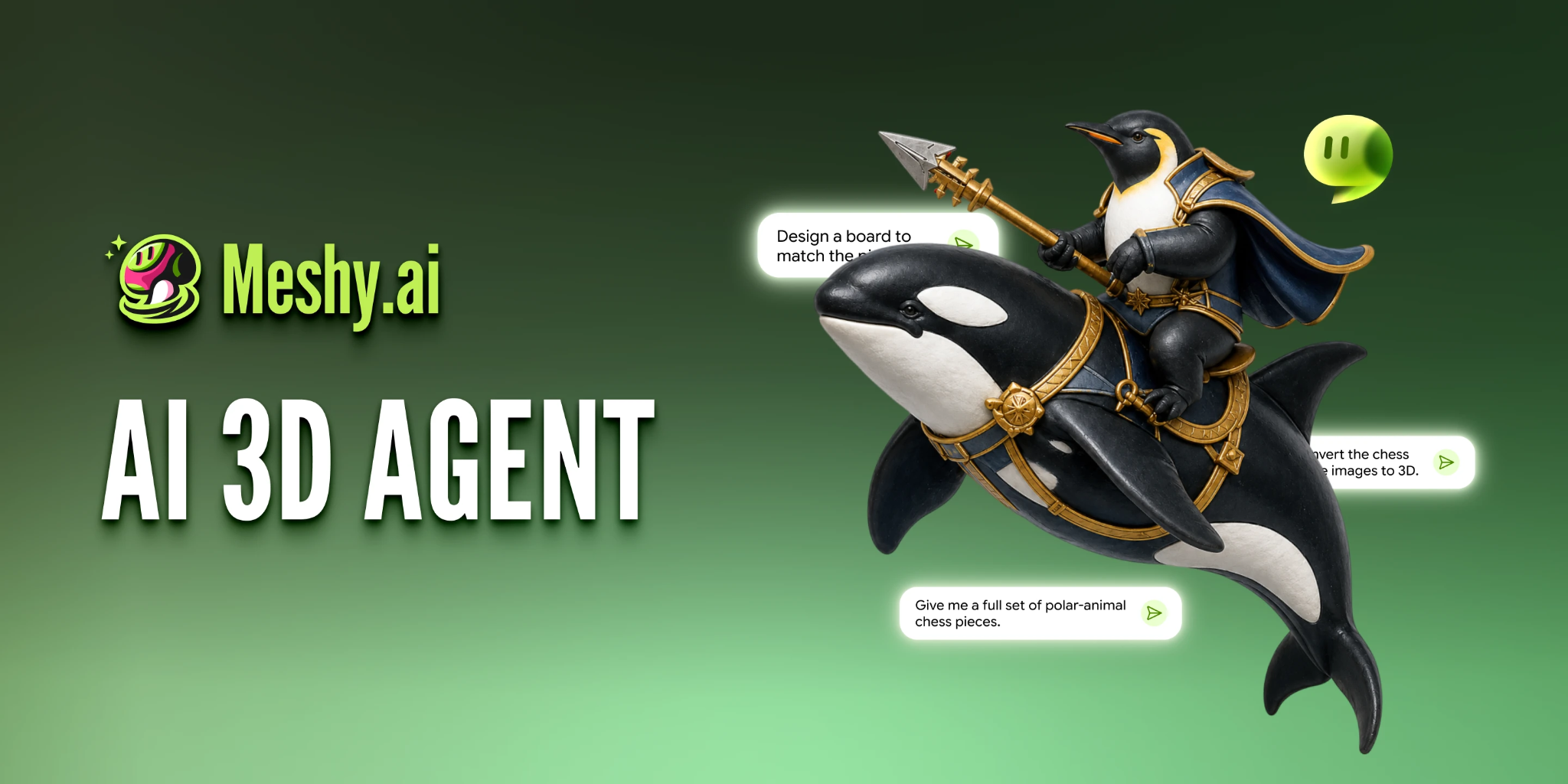
An AI 3D agent allows the creator to discuss the idea, refine the direction, and move from a broad concept toward a generated model through chat. Meshy describes its 3D Agent as a conversational workflow for brainstorming, exploration, and model creation.
This approach fits mobile use because the creator does not need to define everything perfectly in one attempt.
A person might begin with a simple request for a small exploration drone. After seeing the direction, they can explain that the body should be flatter, the camera should be more visible, and the design should feel practical rather than military.
The conversation becomes part of the design process.
On a phone, this is often more comfortable than manipulating geometry directly. The user is making decisions about the model rather than performing detailed operations on the model itself.
What Can Realistically Be Done on a Phone?
A smartphone is well suited to concept preparation.
The creator can collect screenshots, crop reference images, photograph a sketch, write a short design brief, or compare generated variations. A phone is also useful for reviewing a model from different angles and sharing it with a collaborator who needs to approve the general direction.
This early access can prevent a common production problem: investing desktop time in an idea that has not yet been clearly defined.
A creator can decide that the design is too generic, that the proportions are wrong, or that the reference image is not suitable before beginning detailed cleanup.
The phone therefore saves time not by replacing professional software, but by moving important decisions earlier.
Where Does the Desktop Become Necessary?
The limits become clear when the work depends on precision.
A small display makes it difficult to inspect overlapping geometry, texture seams, topology flow, or subtle material problems. Touch controls are also less suited to tasks that require repeated selection and exact movement.
Animation adds another layer of complexity. A character may need clean joint areas, reliable deformation, proper weighting, and repeated tests. A game asset must be checked inside the engine, while a printable object needs correct dimensions and geometry that can survive slicing.
These tasks are not impossible because the idea started on a phone. They simply belong to the next stage.
| Project task | Smartphone | Desktop workstation |
|---|---|---|
| Developing the concept | Strong fit | Strong fit |
| Collecting references | Strong fit | Strong fit |
| Comparing generated versions | Strong fit | Strong fit |
| Detailed geometry cleanup | Limited | Strong fit |
| Retopology and UV work | Uncomfortable | Strong fit |
| Rigging and animation testing | Limited | Necessary |
| Game-engine integration | Not practical | Necessary |
| Final technical approval | Limited | Necessary |
The table shows a handoff rather than a competition between devices.
A Mobile-First Example
Imagine an indie developer who needs a maintenance drone for a science-fiction game.
While away from the studio, the developer describes a compact floating machine with a circular body, two folding repair arms, one large camera lens, and worn industrial materials.
Several initial directions are generated. One resembles a military device, while another feels too much like a toy. The developer continues the conversation and asks for a more practical shape with a wider body and fewer aggressive details.
By the time the developer returns to the workstation, the project no longer begins with a vague idea. There is already a chosen direction and an early model to inspect.
The desktop stage can then focus on what it does best. The artist corrects the shape, reduces unnecessary geometry, adjusts the materials, sets the correct scale, and tests the drone inside the game engine.
The phone did not create the final game asset alone. It removed uncertainty from the beginning of the process.
Mobile Access Does Not Remove Practical Limits
A browser-based workflow still depends on a stable connection. Large previews and repeated generations may also use more mobile data than ordinary browsing.
The size of the screen affects judgment as well. A model that appears clean on a phone may reveal texture or geometry problems on a larger display. Final approval should therefore not rely only on a small-screen preview.
File management can also become confusing when several versions are downloaded, shared, and renamed across devices. The team should keep one clear project folder and identify which model is still a concept and which version has moved into desktop production.
The convenience of mobile creation should not lead to weaker version control.
Who Benefits Most from a Phone-First Workflow?
This approach is especially useful for creators whose work begins with ideas and references rather than precise engineering data.
Indie developers can explore props and environment objects. Digital artists can test character or sculpture concepts. Content creators can prepare 3D elements for promotional visuals, while hobbyists can develop an idea before moving into printing or traditional editing software.
It is less appropriate when the first model must immediately match exact measurements or a verified technical design. A phone may still help with communication, but it should not become the source of technical truth.
Frequently Asked Questions
Can a complete 3D model be created only on a smartphone?
A creator may be able to generate and review an initial model through a browser, but detailed production usually benefits from desktop software. The answer depends on whether the model is a visual concept or a technically demanding final asset.
Does mobile creation require a powerful phone?
Because browser-based generation can rely on cloud processing, the phone does not necessarily perform the same heavy work as traditional local 3D software. A modern browser, stable connection, and usable screen remain important.
Is a tablet better than a phone for this workflow?
A larger screen can make reviewing models, comparing references, and writing detailed instructions more comfortable. It still does not automatically replace desktop tools for complex editing.
Can a model started on a phone be finished in professional software?
Yes. The early model can be exported and continued in suitable 3D applications, depending on the required format and workflow. Technical checks should take place before the asset is treated as final.
The Phone Is a Starting Studio, Not the Entire Studio
A smartphone is unlikely to replace a full 3D workstation for animation, optimization, engineering, or detailed model repair.
It does not need to.
Its value lies in making the beginning of the creative process more immediate. An idea can become a visible form while it is still fresh. A creator can compare possibilities, reject weak directions, and arrive at the desktop with a clearer plan.
The future of mobile 3D creation may not be about completing every task on a small screen. It may be about removing the delay between having an idea and beginning to shape it.