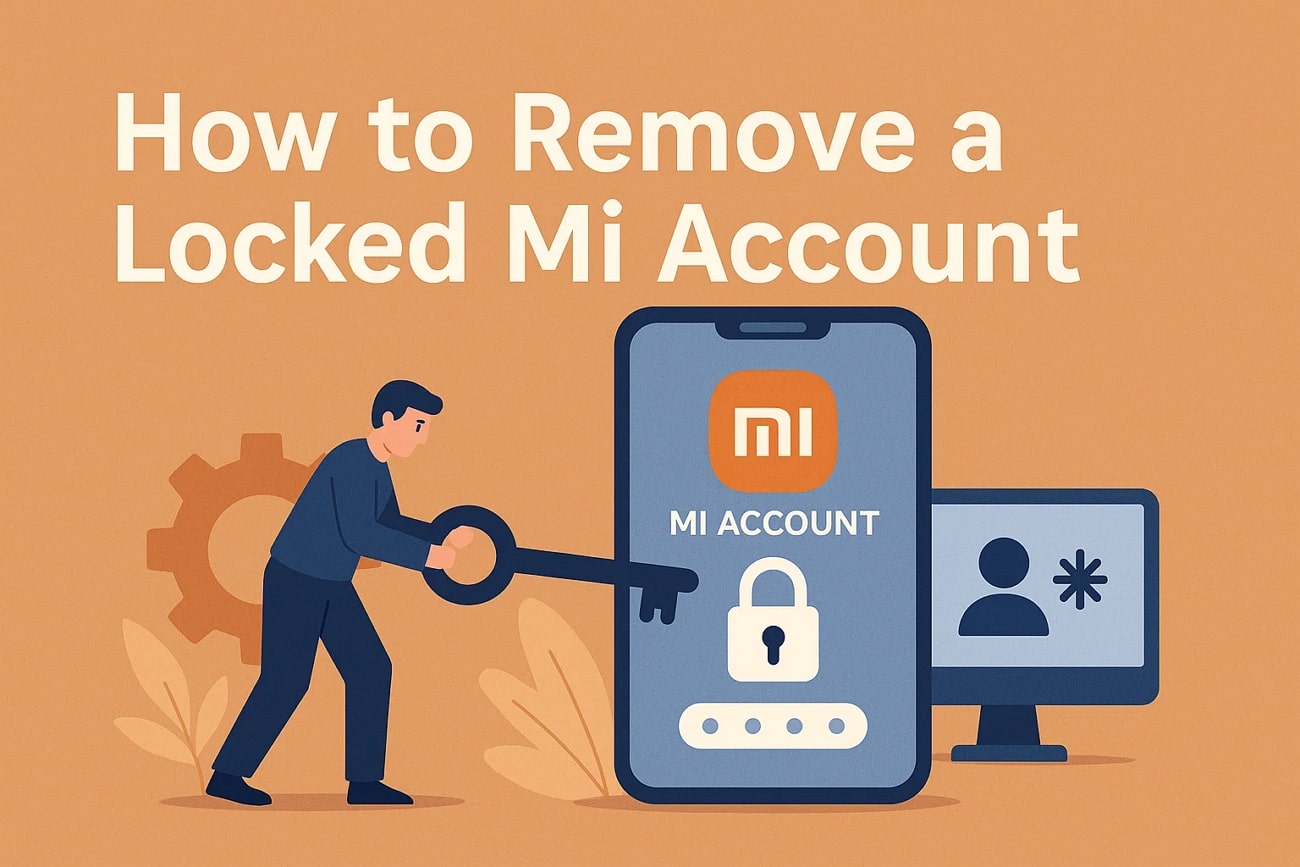
Whenever you reset, buy, or sell a Xiaomi phone, a locked Mi Account can appear. It stops you from using your device, usually, even after entering the correct password many times. This situation creates stress because essential files and apps remain entirely out of reach.
At this point, many people look for simple ways to open their devices without extra steps. A trusted option is trying Mi account remove without password for quick access. Several effective methods can unlock Xiaomi devices safely, even for complete beginners. In this guide, we will explore the top 5 solutions that work across models.
Part 1. Why is Your Mi Account Locked?
A Mi account locked situation can happen due to different reasons on Xiaomi devices. Understanding why your account is blocked helps prevent problems and regain access. Below, you will explore a few key reasons behind this cause:

- Forgotten Password: When users forget their Mi account password, the phone denies access automatically. Repeated failed login attempts make the device show an account locked warning.
- New Device: Logging in from an unknown phone or network can raise security alerts. Xiaomi sometimes locks the account to protect user data from unauthorized access.
- Cloud Activation: Enabling Find Device or Xiaomi Cloud requires proper sign-in to unlock phones. Without a correct login, the Mi account locked screen remains active during setup.
- Account Hacked: Suspicious login attempts from other locations or devices trigger security alerts. Xiaomi locks the account automatically to protect personal data and prevent misuse.
- Factory Reset: Resetting the phone without removing account ties the device to the old Mi ID. You will see the “Mi account locked” message until the correct credentials are entered.
Part 2. 5 Best Solutions to Remove a Locked Mi Account from Your Phone
Several tools and methods are available if your Xiaomi device shows a Mi account locked message. So, the following parts help achieve safe and fast Mi account removal without technical skills:
Solution 1. Remove Device from Xiaomi Portal
Xiaomi Portal basically enables users to access it with their accounts and unlink added devices. This feature ensures the phone is no longer connected to Xiaomi Cloud services. After removal, the device signs out automatically, clearing Find Device and other links. This method is official and does not bypass locks from another person’s account. Users can even recover their own account first before attempting to unlock Redmi restrictions.
Limitations
- You cannot bypass the Mi account locked by another owner’s account.
- Unlocking a Redmi phone remains locked if it is tied to previous accounts.
Solution 2. Use Dr.Fone Online Unlock to Unlock Xiaomi Without a Password
Another reliable solution is Dr.Fone Online Unlock, which helps you easily bypass locks. It allows users to remove the Mi account lock without a password safely. In addition to that, the tool works on all Xiaomi sub-brands, including Redmi and POCO devices. Besides, it supports all system versions from MIUI 1 to HyperOS 1.5 efficiently. Dr.Fone also offers 100% removal success on all Xiaomi devices, ensuring a quick and safe unlock.
Users need to submit their device info, such as the IMEI number, online to start unlocking. During unlocking, it also lets you track the unlock status at any time through its unlock history feature. Moreover, professional technical support guides users throughout the unlock Xiaomi procedure reliably. Apart from that, it is trusted by more than 2 million users globally for unlocking.
Key Features
- Global Access: Supports devices from all regions, including the USA and Europe.
- Fast Processing: Unlock requests usually complete within 1 to 24 hours reliably and safely.
- Email Notifications: Receive progress updates and final unlock status directly by email.
Guide to Unlock Xiaomi Without a Password via Dr.Fone Online Unlock
You can go through the given guide to unlock your Xiaomi device using this online tool:
Step 1. Access the Online Unlock Tool
Go to the “Dr.Fone Online Unlock” platform, access the “Xiaomi Account Lock Removal tool, enter your device’s IMEI number, and press “Check Now.”

Step 2. Provide Your Xiaomi Device Information
Fill in the “Unlock Code,” select your device’s region, and click “Unlock” to initiate the removal process.

Step 3. Complete the Mi Account Removal
Wait a few hours for the procedure to finish, then check your email or “Unlock History Record.” Afterward, follow the instructions provided to update your Mi Lock status successfully.

Solution 3. Try using the Mi Account Unlock Tool
This is another third-party PC program to bypass Mi account locked screens. It works by connecting your Xiaomi phone to a PC in recovery or Fastboot mode via USB. The tool bypasses the Mi account lock, allowing the phone to boot without requiring the password. It also supports clearing screen locks like PIN and fingerprint on many models. Besides, a guided setup checks drivers to detect the phone and performs bypass actions.

Limitations
- Effectiveness varies by phone model and MIUI or HyperOS version.
- Many unlocking processes wipe all user data permanently from the device.
Solution 4. Use TPS Xiaomi Tool
TPS Xiaomi Tool is a free Windows program mainly used by technicians for Mi account removal. It works through Fastboot or Qualcomm 9008 (EDL) modes for deeper device access reliably. Along with Xiaomi, the tool can even bypass Mi lock from Redmi and POCO models. Apart from that, it also removes Google FRP and local screen locks on supported chipsets.

Limitations
- Using the TPS Xiaomi Tool likely voids your phone’s warranty coverage.
- Improper use can expose the device to security vulnerabilities or attacks.
Solution 5. Contact Mi Customer Support Team
Apart from the above, contacting the Mi Customer Support Team is also the safest way to unlock Xiaomi. They offer official assistance for Mi account removal through authorized channels. Their experts can verify ownership and guide users to unlock Xiaomi without illegal methods. Also, support is available via phone, email, or online chat for fast responses. Thus, you avoid risks like data loss or device bricking with official help.
Limitations
- Unlock requests need a Mi account older than 180 days for approval.
- The unlocking attempt quota is limited daily worldwide, leading to frequent delays.
Conclusion
To sum up, a locked Mi account can stop you from using your Xiaomi device typically. Each solution offers different levels of safety and compatibility for unlocking your device. For the safest Mi account removal without a password experience, choose Dr.Fone Online Unlock. It helps all users unlock Xiaomi quickly, safely, and without risking data loss or technical trouble.