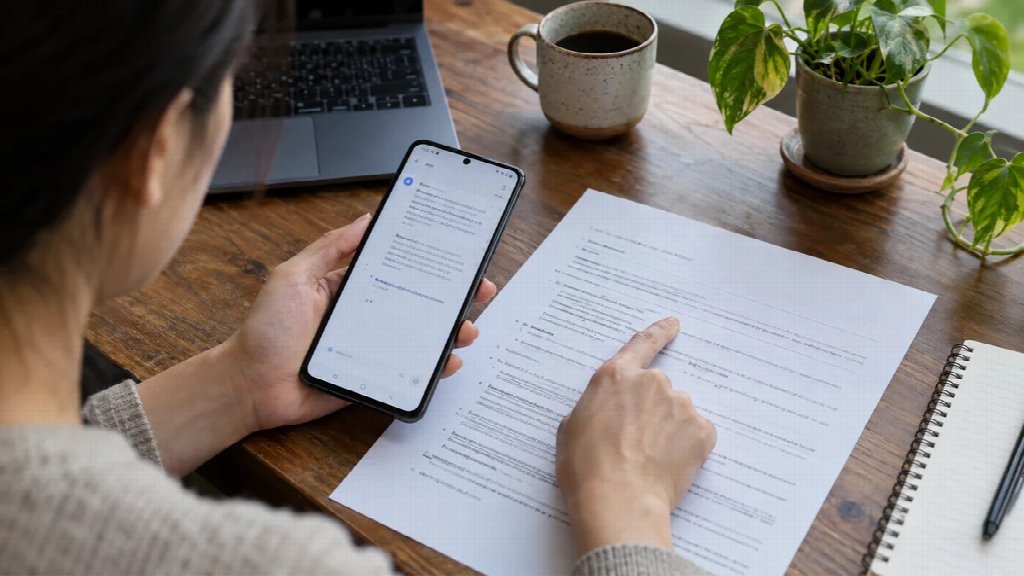
Image translation turns text inside a picture into another language. For an Android screenshot, the useful result is a readable copy that helps you connect each translated label with the button, setting or message it describes.
Imagine opening an unfamiliar settings panel on a Xiaomi phone. You recognize the icons, but the small explanation below a switch is in a language you cannot read. Translating that screenshot can help you understand the panel. It does not change the phone’s interface language, and a convincing translation is still something to check before acting on it.
Start image translation with the whole message
Before uploading: keep the original, preserve the complete message and remove unrelated personal details from a separate copy.
Capture the panel you need, including its heading and explanatory text. A single button often says too little: “Allow” becomes meaningful only when you know what will be allowed and under which conditions.
Keep an untouched original. Make a separate copy for uploading, removing unrelated account details, notifications or contact information. Crop around complete sections. Cutting off the first half of a warning to produce a tidier image defeats the purpose of translating it.
Use the actual screenshot file when you have it. Photographing the phone introduces reflections and perspective, while repeatedly forwarding a picture may leave you working with a less legible copy. If a long screenshot reduces everything to tiny text, capture the relevant section separately with its heading still visible.
Google’s guidance for translating images warns that small, unclear or stylized text can reduce translation accuracy. That is a useful starting check even when you choose another service: if you cannot distinguish the original characters when inspecting the file, improve the source before judging the translated result.
Decide whether you need words or a readable picture
A plain text result can answer “What does this sentence mean?” A translated picture can be more useful when several similar labels sit beside different controls. It preserves a visual reference for discussing the screen with someone else.
These outputs solve different problems. If you only need the meaning of a short message, extracting that sentence may be enough. If you are preparing instructions for a family member, keeping the heading, rows and buttons together makes it easier to explain which part you mean.
Write down the destination language before uploading. For a screen containing several languages, identify which text you actually need translated. Product names, version strings and familiar English labels may already be useful as they are. Translating everything indiscriminately can make an identifier harder to compare.
Make a translated copy and compare it with the source
Leadde.ai’s browser tool for image translation accepts JPG or PNG images and describes a workflow of uploading the picture, choosing a target language and reviewing the result. Its stated purpose is to replace image text while retaining the design. For a phone screenshot, treat that as a layout goal to inspect, rather than proof that every label has kept its meaning or position.
Use a non-sensitive example first. Keep the original open beside the result, then move through the screen from top to bottom. A missing subheading can be easy to overlook when the main buttons look fine.
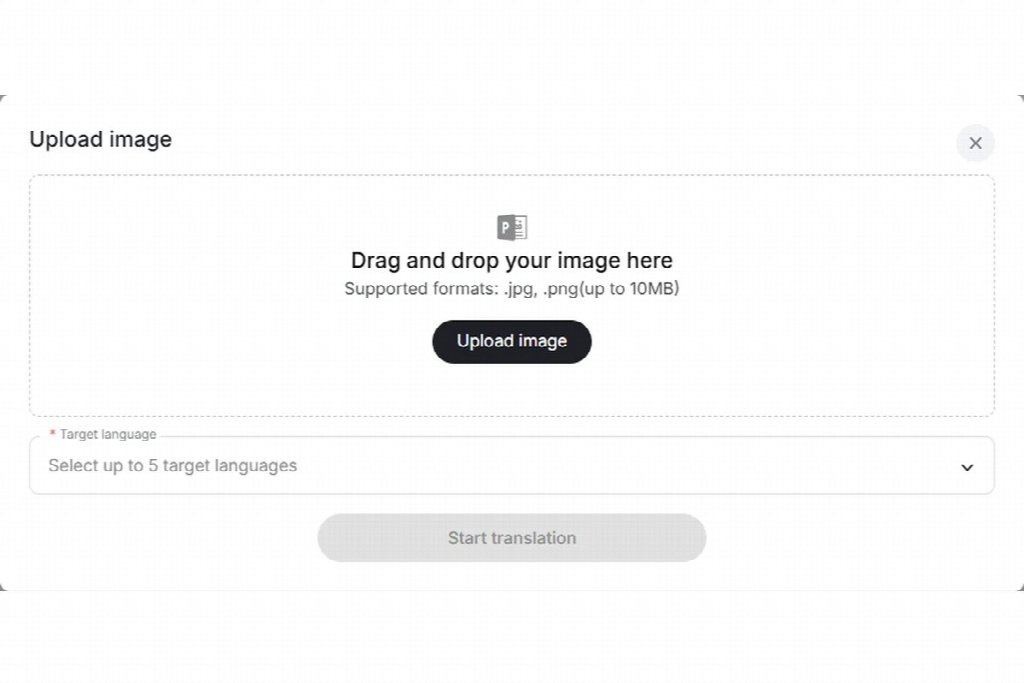
Separate your review into three questions:
| Check | What to compare | What to do if it fails |
|---|---|---|
| Were the characters read correctly? | Numbers, short labels and text near icons | Return to a clearer source or isolate the complete row |
| Does the sentence still mean the same thing? | Negation, conditions and the object of an action | Verify the full sentence with someone who reads the source language before using it as an instruction |
| Is the label attached to the right control? | Row order, button placement and headings | Use the original layout to identify the control before continuing |
The separation matters. A better translation cannot recover a word that was missing from the upload. Correct words can also be unhelpful if a long replacement label wraps into the next row.
Give conditions and identifiers an extra look
Short interface text carries a lot of meaning. “Only while using the app” and “Always” describe different conditions. A missing “not” can reverse an instruction. Read the full message and any text below it; do not decide what a switch does from its label alone.
Treat model numbers, software versions and network names as identifiers to compare with the original, rather than prose to improve. The Unicode standard on confusable characters explains that different character sequences can look alike. It concerns identifier security, not the accuracy of this translation tool. The practical lesson here is modest: visual similarity alone does not establish an exact match.
If you need a model code for a support request, take it from the original device information and check it character by character. Do not silently replace it with a tidier string from the translated picture.
Share enough context for someone to help
Send the original and translated copy together when asking for support. Label the translated copy as a translation, and say which part remains unclear. “What does the second row allow?” is easier to answer than “Is this right?”
Include the phone model and relevant software version as separate, checked text if they matter to the question. Someone helping you may have a different screen layout. A translated screenshot documents what you saw; it does not establish that the same menu exists on every device.
After an interface update, capture the current screen again instead of recycling an old translated picture. Keep the source and translated copy paired so that later edits cannot leave you comparing different versions.
Questions about translating phone screenshots
Will this change the language on my Xiaomi phone?
No. Translating an uploaded screenshot changes the text in a separate image. The original app and device settings remain separate from that file.
Why are some words still hard to understand?
The source may be unclear, the screenshot may omit context, or a technical label may need a fuller explanation. Start with the complete original message and check which of those problems applies.
Can I check the meaning without knowing the source language?
You can inspect missing rows, clipped words and mismatched numbers yourself. Confirming the meaning of an unfamiliar sentence takes language knowledge. For an instruction you plan to follow, ask a reader of the source language to check the complete message.